
Model Context Protocol (MCP): The USB-C of AI
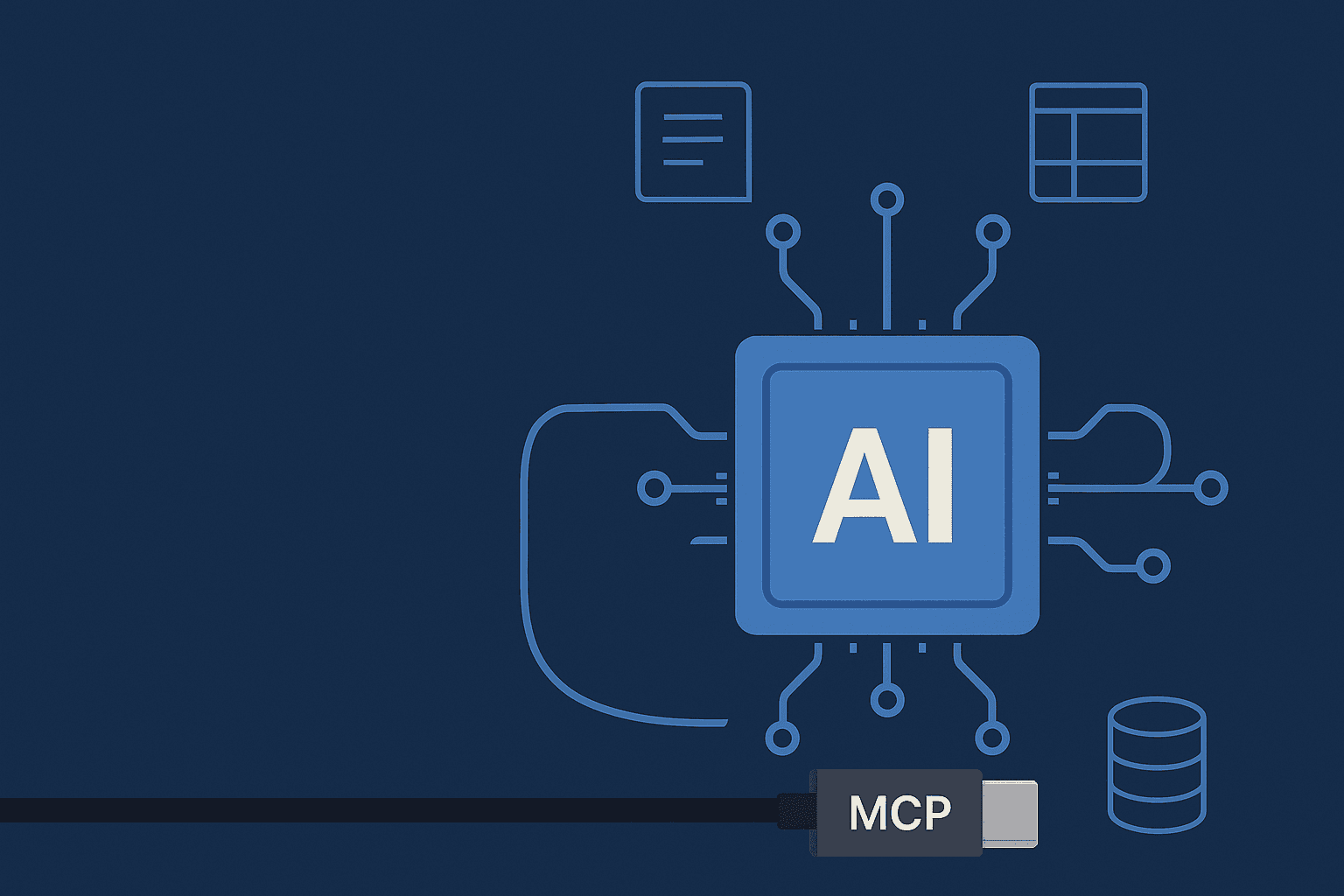
AI assistants (like chatbots or coding helpers) can be amazingly smart, but they often struggle to access up-to-date information on their own. They’re frequently stuck behind “information silos” – separate data sources that require custom code to tap into. The Model Context Protocol (MCP) solves this by acting like a universal connector. Introduced by Anthropic in late 2024, MCP is an open-source standard for linking AI models to outside data. In simple terms, MCP is “an open protocol that standardizes how applications provide context to LLMs. Think of MCP like a USB-C port for AI applications”. Just as USB-C lets you plug any compatible device into your laptop, MCP lets any AI system plug into many data sources and tools in one secure, consistent way.
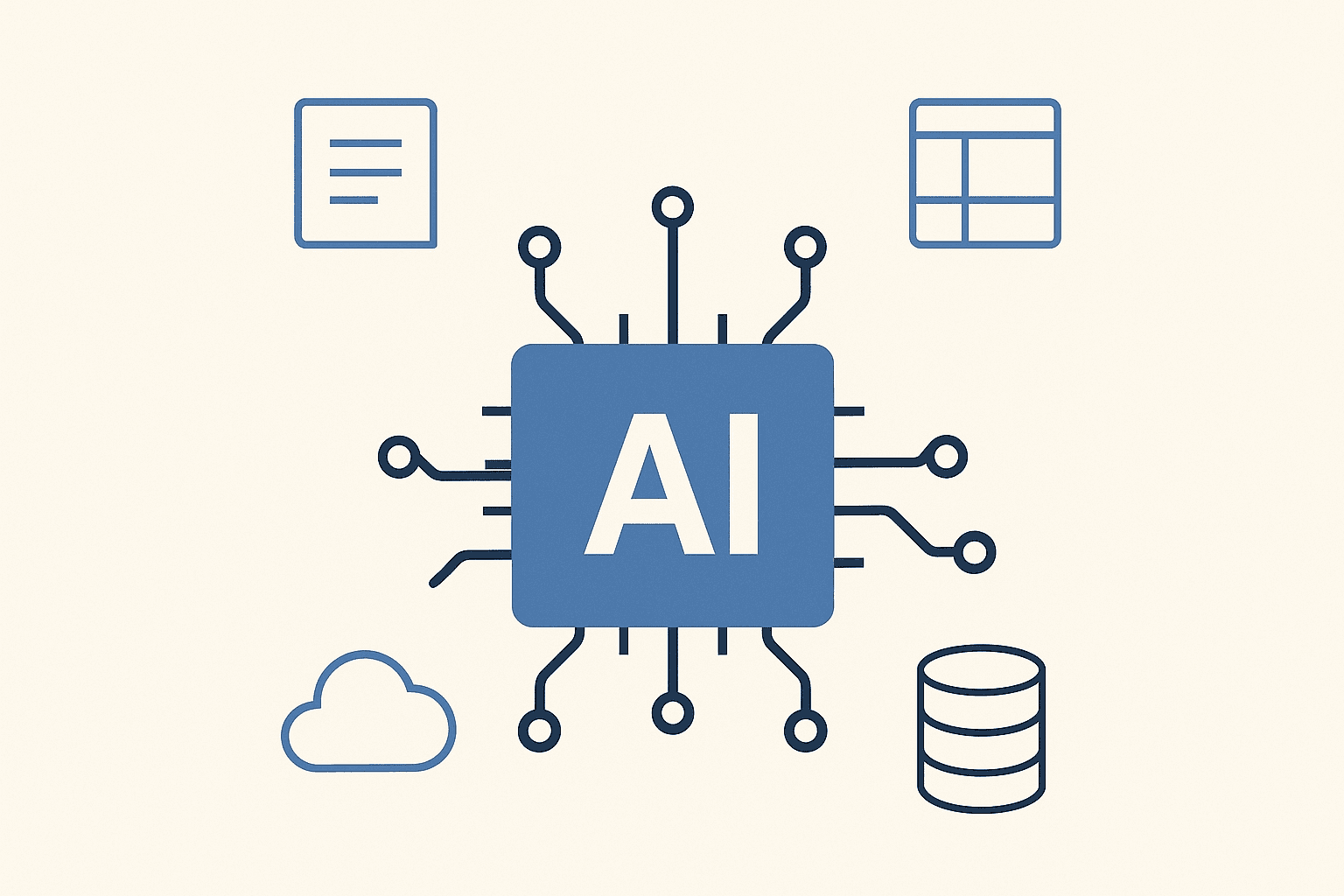
MCP provides a universal interface for tasks like reading your files, executing functions, or querying databases. For example, one blog explains that whether an AI needs to read a document, search a knowledge base, or update a task in a project tool, MCP offers “a secure, standardized, simple way” to do it. In effect, MCP lets the AI “have access to the data it needs” without building dozens of one-off connectors. This means developers and even non-technical users can give AI assistants real-time access to everything from Google Drive and Slack to databases and local files, through a single protocol.
How MCP Works
Under the hood, MCP uses a client-server model (similar to how web apps work). An MCP server exposes tools and data – for example, a server might know how to fetch files from Google Drive or query a company database. An AI app (the MCP client) connects to one or more of these servers. The AI can then call tools on the server or request data as needed. For instance, a server could define a “read_file” tool; the AI client would ask to run read_file with a document path, and get back the contents. Importantly, the protocol is bidirectional and secure, so the AI can both get information and invoke actions through these connections.
Developers don’t have to implement all of this from scratch. MCP comes with SDKs and reference servers in popular languages (Python, JavaScript, etc.). Anthropic and others have released example MCP servers for common systems – for example, pre-built connectors for Google Drive, Slack, GitHub, Postgres and more. On the client side, some AI tools already support MCP natively. For example, the Claude AI assistant and VS Code’s chatbot plugin can connect to local MCP servers, letting them “see” your files or other resources without extra glue code. In short, the technical details are mostly handled by existing libraries – as a user or beginner, you can think of MCP as the plumbing under the hood that makes new AI integrations possible.
Why MCP Matters
Before MCP, each AI tool needed a custom connector for every data source, leading to an “N×M data integration problem”. Anthropic describes how every new data source (N sources) and every new AI app (M apps) would require a separate bridge. This is hard to build and maintain at scale. MCP replaces that mess with a single, open standard. Once you have an MCP-compatible server for a tool (like Slack) and your AI connects via MCP, that same connection works for any MCP-enabled AI. As Anthropic notes, MCP replaces “fragmented integrations with a single protocol,” giving AI systems a simpler, more reliable way to access data.
For beginners to AI, this means fewer moving parts. You no longer need to worry about how to feed your chatbot the right documents or how it should update your spreadsheets – MCP handles the integration. The AI just sees a set of tools and files and can use them. As one explainer puts it, with MCP the AI can plug into “APIs, local services, and data stores” in a universal way. This greatly expands what AI can do. An AI assistant with MCP can immediately pull context from your emails, CRM, code repository or any other connected app, rather than hallucinating or giving outdated answers.
Key Benefits
Plug-and-play connectivity: MCP comes with or supports many pre-built connectors. You can quickly link popular services (e.g. Google Drive, Slack, GitHub) without writing custom code.
Standardized integration: Instead of learning a new “plugin system” for each AI or service, MCP provides one way to connect. This means if you know how to use MCP with one model or app, you can use it with others.
Open and community-driven: MCP is open-source and backed by major AI players. Anthropic released it publicly, and companies like OpenAI, Google DeepMind, Microsoft, and many startups are supporting it. An open standard means anyone can write MCP code or servers, ensuring broad community support and many available tools.
Consistency and context-awareness: Because MCP is bidirectional and keeps track of context, AI assistants can maintain awareness across tasks and tools. For example, an AI chatbot could start by pulling up a file via one tool, then write it to a spreadsheet via another, all without losing track of the overall task. MCP makes sure the AI “maintain[s] context as they move between different tools and datasets”.
Secure and controlled access: MCP includes mechanisms for authentication and permissions. You remain in control of what the AI can see or do, because each MCP server can enforce access rules (just like any API).
How Beginners Can Use MCP
You don’t need to be an engineer to benefit from MCP. Many AI apps are beginning to incorporate it automatically. For example, the Claude AI desktop app already supports local MCP servers. This means if you install a connector for, say, your local files or Google Drive, Claude can use it out of the box. In the future, other popular tools like VS Code’s Copilot or ChatGPT-like apps may add MCP support, allowing them to “talk” to your data seamlessly.
If you’re curious to explore MCP yourself, the official website (modelcontextprotocol.io) offers guides and documentation. There are quickstart tutorials, SDKs in common languages, and open-source examples of servers and clients. The MCP community is growing fast – companies like Zed, Replit, and Sourcegraph are working on MCP integrations. This means more connectors will appear over time. In practice, a beginner can think of MCP as an invisible infrastructure: as you adopt AI tools, they will simply “just work” with your existing apps and data through MCP.
Throughout 2025, MCP has seen rapid adoption. OpenAI officially built MCP support into its ChatGPT products and Agents SDK, aiming to standardize tool connectivity. Google DeepMind has announced MCP support in its Gemini models, with CEO Demis Hassabis calling MCP “rapidly becoming an open standard for the AI agentic era”. In other words, the ecosystem is coalescing around MCP as the go-to way for AI to access the world of data.
Summary
In summary, the Model Context Protocol is a new, open standard that bridges AI and real-world data. It solves the old problem of isolated information silos by providing a single, USB-C–like interface for AI to access files, tools, and services. For users and businesses, MCP means smarter AI assistants that can securely use your own data and apps. The protocol is backed by major AI developers and comes with ready-made integrations, so it will only grow over time. As one observer put it, MCP is the infrastructure that will let “AI connect to real-world applications, ensuring innovation is accessible”. For a beginner to AI, that translates to better, more useful AI helpers — no more complex setup needed.
Key Takeaways: MCP is an open, universal connector that lets AI assistants plug into almost any data source. It replaces custom, one-off integrations with a standard protocol, simplifying development and use. Early support from companies like OpenAI and Google means MCP is quickly becoming a foundation of the AI ecosystem. In practice, MCP will help even casual users by enabling AI tools to “see” and use their data safely and seamlessly – powering smarter, more context-aware AI experiences without extra work.
Sources: Verified information is drawn from the official MCP documentation, Anthropic’s announcement blog, and summaries like Wikipedia’s MCP entry, all of which describe MCP’s design, goals, and industry support.